





Kids these days have never known a world without the internet – Congkak? Batu Seremban? What’s that? In their world, it’s a norm to have pocket-sized computers, hand-held devices and smart gadgets.
It’s clear that technology is here to stay and the world is becoming increasingly digitally driven. In many ways, that’s a good thing. Technology can be a great tool to help children learn in fun and engaging ways, express their creativity and stay connected to others.
But kids in this era are using technology as young as two years old, so it’s important to set up some good tech habits to keep them safe and healthy. Don’t worry, we’ve got you covered parents!
Good Tech Habit #1
Limit their Screen Time & Aim for Balance
As parents, we naturally worry about our kids having too much screen time, which could affect their healthy development. Studies show that poor device usage habits may lead to behavioural and educational problems, obesity and sleep issues.
Just like with most situations, a balanced relationship with tech is important. Set suitable time limits and show your kids that there’s a time for screens and time for physical activities, as well as connecting with people in real time.

Some of the rules that you might want to consider to include in your household include:
- No gadgets or TV during family meals.
- No electronics during family fun nights.
- No screen time in the car.
- No screens allowed in bedrooms.
It could also be a good idea to get the whole family on a digital detox once in a while. Try committing to one screen-free night in a month or make it a practice to have one day of the week set on physical activities such as playing toys, doing some sports or maybe even doing some art, to get their creative juices flowing.
Good Tech Habit #2
Use Technology for Learning, Not Just Entertainment
When your kids are online, make it count! Show our kids that technology is not just for entertainment, but can also be used for studies, work and learning. You can encourage them to play with fun educational apps, go for virtual tours around the world, learn a new skill or draw and paint digitally.
Show them that there’s lots to do on their tablet or screens than just mindlessly watching video clips or playing games.
Good Tech Habit #3
Make Screen Time a Family Affair
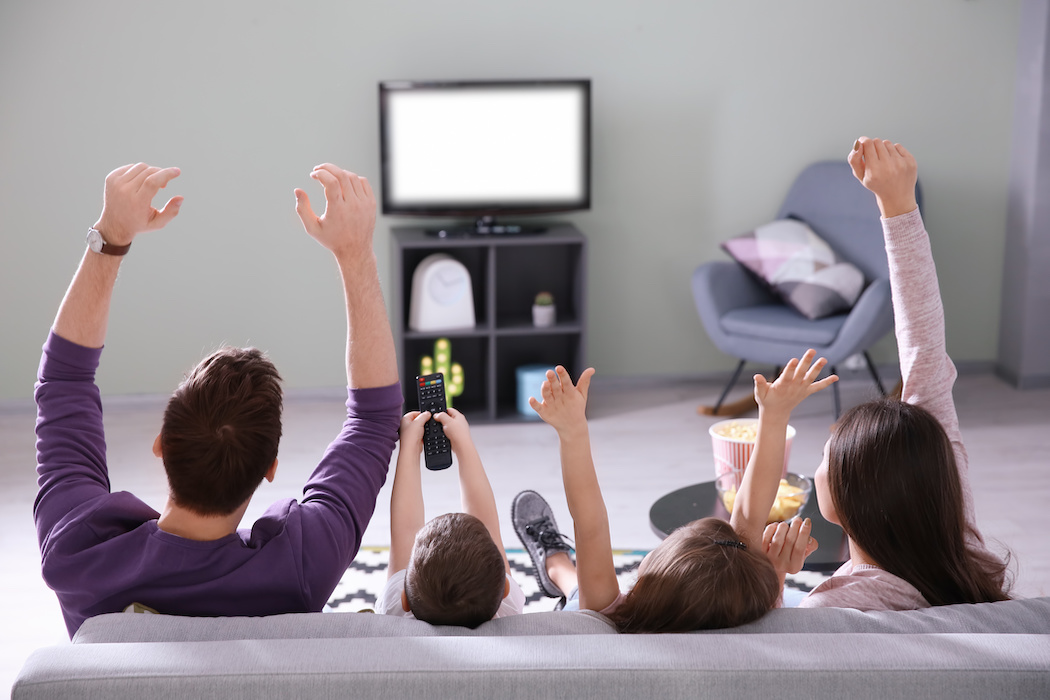
Screen time doesn’t have to mean alone time. Co-viewing, co-playing and engaging with your children when they are using screens has lots of benefits such as learning to interact, bond and even acquire new, useful skills.
Here are just some of the ways that you can make screen time, family time:
- Play a game with your kids – Why not? It’s a good way to demonstrate good sportsmanship and gaming etiquette.
- Watch a movie or TV show with them – You will have the opportunity to introduce and share your own life experiences, perspectives and guidance.
- Turn on a dance tutorial – It gets your kids moving and you’ll have lots of fun together.
Don’t just hover over them and be a helicopter parent, interact with them and get involved in what they are interested in too.
Good Tech Habit #4
Tailor Your Approach for Each Child
It might be easier to just lump up all the rules and force them onto our kids, but that might not work for every child. Just like other areas of parenting, what works for one child may not necessarily be suitable for the other, depending on their ages, personalities, and needs.
For example, your 12 year old may have a project that they need to work on that requires online research, whereas your younger child might not. Younger children also need more sleep compared to older children, so their limit could be different to one another.
Good Tech Habit #5
Choose a Device with Kid’s Mode and Smart Features
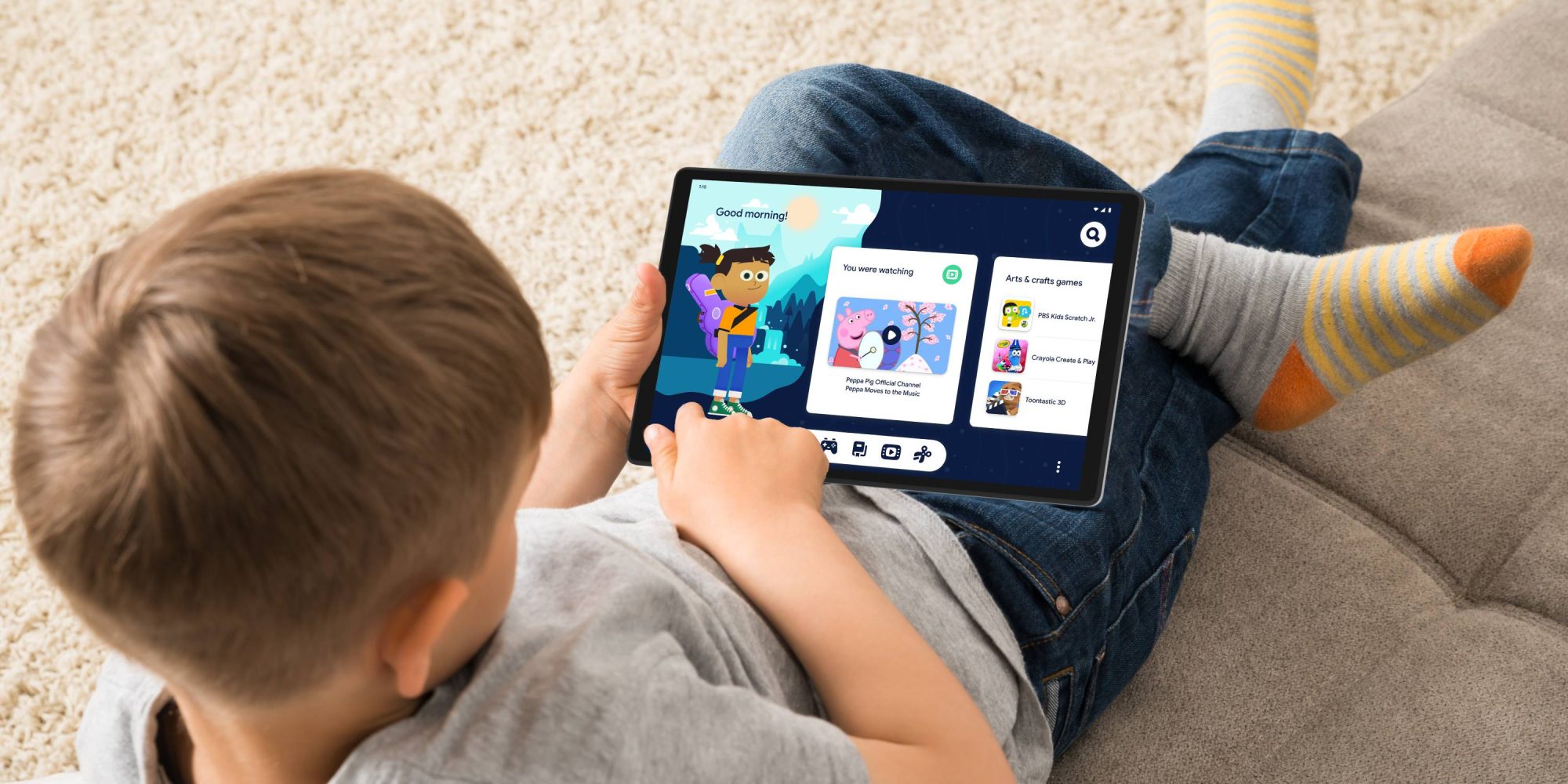
Wouldn’t it be great if we can monitor our kids’ screen time, set time limits on their devices and set controls that leave us worry-free while they are using their device? Lately, there’s been lots of devices in the market that cater to parents with their children in mind. With features that allow parents to monitor screen time, set time limits and even detect bad postures, setting up parental controls is easier than ever.
The Lenovo Smart Tab M10 FHD Plus (2nd Gen) with Google Assistant is one of them and their features are pretty incredible.
Lenovo Smart Tab M10 FHD Plus (2nd Gen) with Google Assistant
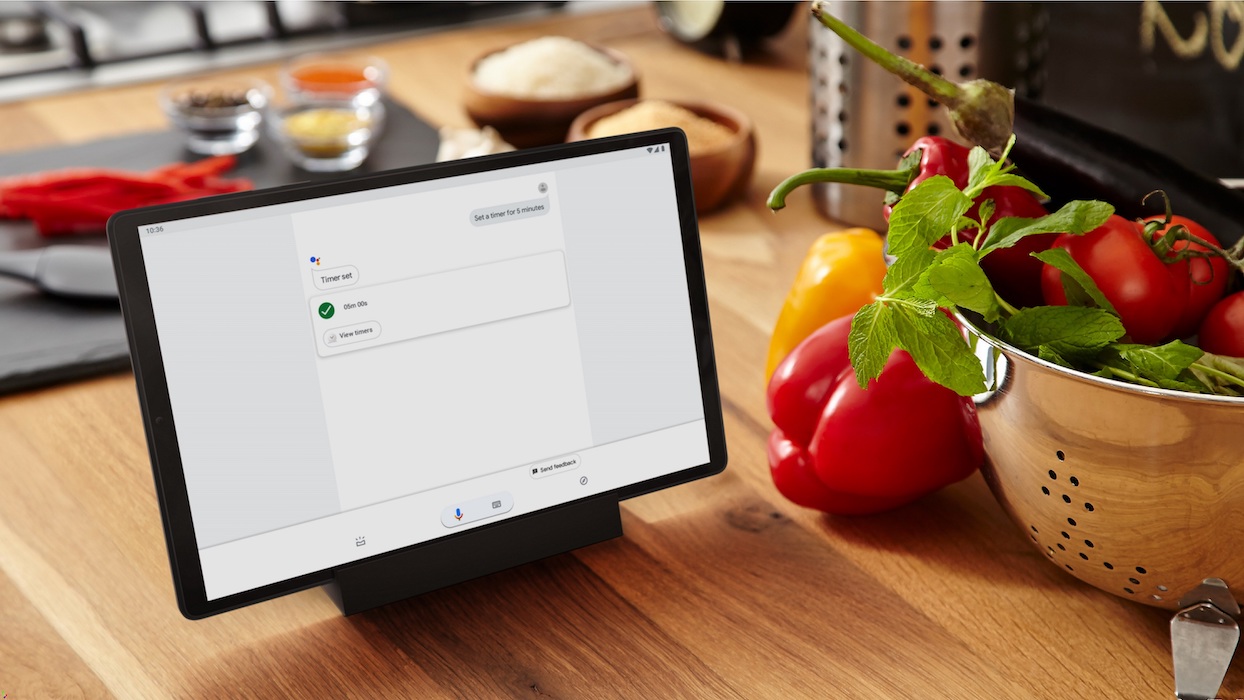
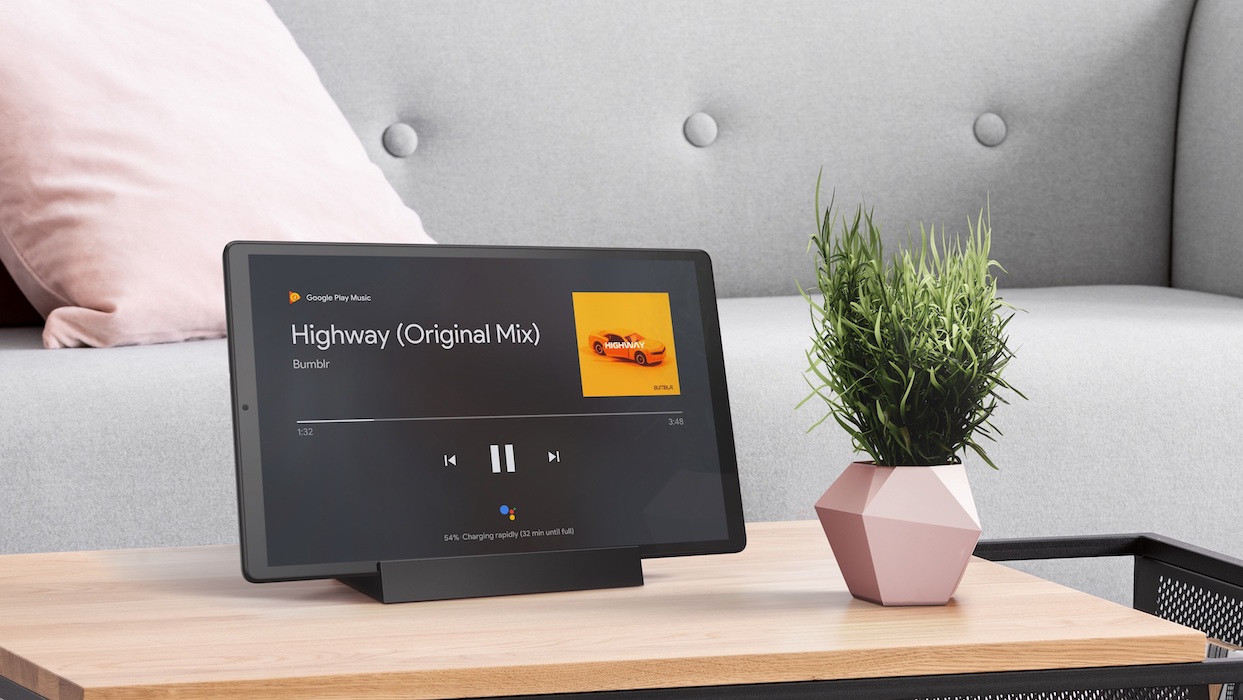
The all new Lenovo Smart Tab M10 FHD Plus (2nd Gen) with Google Assistant is a brand new smart tablet that brings family-centric home entertainment to a whole new level. As a tablet, not only is it great in terms of portability, but it’s also a great device to be shared with the entire family as you can dock the tablet on the Smart Charging Station for a productive hands-free experience when not in hand-held mode.
With Google Assistant’s Ambient Mode, you can efficiently multitask at home while doing all of these things:
- Watch video flash briefings
- Monitor camera feeds
- Check the weather
- Access important updates for the day
- Listen to music
- Control smart home devices
All this, and more thanks to advanced voice recognition technology. The tablet is designed for households with multiple user accounts and facial recognition unlocking that is customised for each user. For example, if your child uses the tablet, it’ll automatically be set in Kid’s Mode – awesome right?
So what are some of the features of the Kid’s Mode?
The New Kid’s Mode on Lenovo Smart Tab M10 FHD Plus (2nd Gen) with Google Assistant is designed to give parents the freedom to customize the tablet to be child friendly. It also offers a safer technology experience for children with the Posture Alert, Bumpy Environment Alert and TÜV Eye Protection.
For the Posture Alert, it detects the posture of a user and reminds them to sit up straight while using the device. This will create a good habit in our children when they are using the device. The Bumpy Environment Alert on the other hand detects bumpy situations – for example, while you’re driving or in a moving vehicle. It reminds kids to stop using the device to encourage healthier viewing habits.
The device also comes with TÜV Eye Protection to reduce negative symptoms such as eye strain, headaches and blurred vision with its low blue light content and flicker-free display. This protects your children’s eyes for a safer experience using the tablet.
Since technology will remain a daily part of our kids’ life, teaching them good tech habits from young will help them in making conscious decisions about how to use it wisely in the future. All you need is the right mindset and the right device.
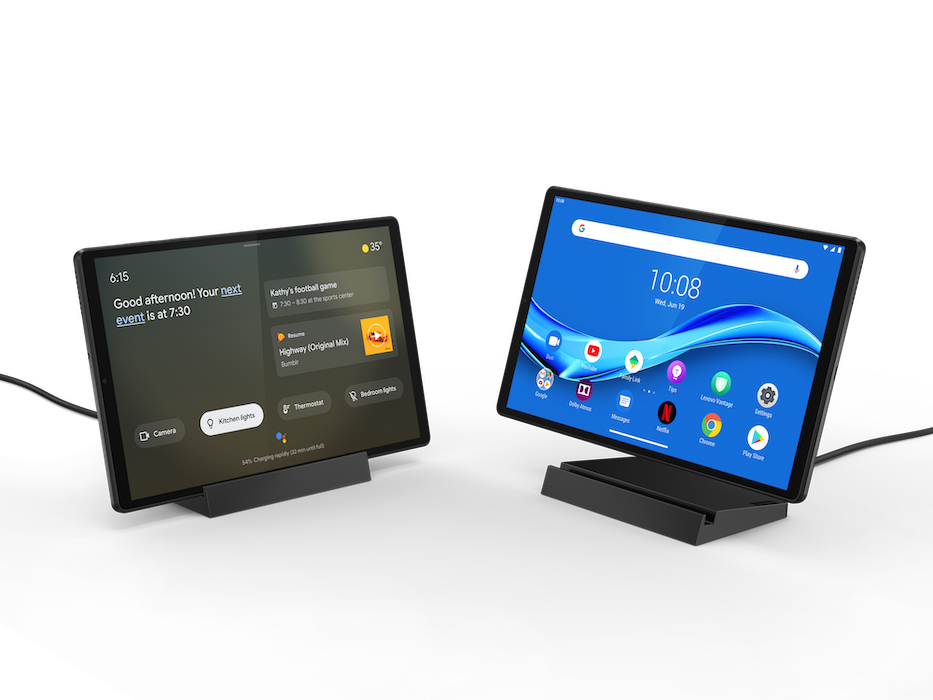
The Lenovo Smart Tab M10 FHD Plus (2nd Gen) with Google Assistant is now available at Lenovo Exclusive Stores (LES) and authorised sellers on Lazada and Shopee, with the starting price of RM999.
For more information about Lenovo Smart Tab M10 FHD Plus (2nd Gen) with Google Assistant, please visit https://www.lenovo.com/my/en/.