




When we first heard about the HUAWEI MatePad Pro we were super intrigued with it’s capabilities. The HUAWEI MatePad Pro is the first tablet in the world that comes with a HUAWEI FullView display, sporting a 10.8-inch 16:10 display in an ultra slim body. It also has the world’s highest screen-to-body ratio, at 90% with ultra-narrow 4.9mm bezels surrounding its symmetrical, edge-to-edge display- which basically translates to “it’ll fit nicely in your handbag and it looks super sleek”.
The HUAWEI MatePad Pro is also the first tablet in the world that comes with the feature of reverse wireless charging, where you can charge other devices that support wireless charging- super convenient especially when you’re about for meetings, picking up the kids and running errands. To top it off, its sizable battery and efficient power management systems can eke out an impressive two days of moderate to heavy usage.
HUAWEI MatePad Pro for Work
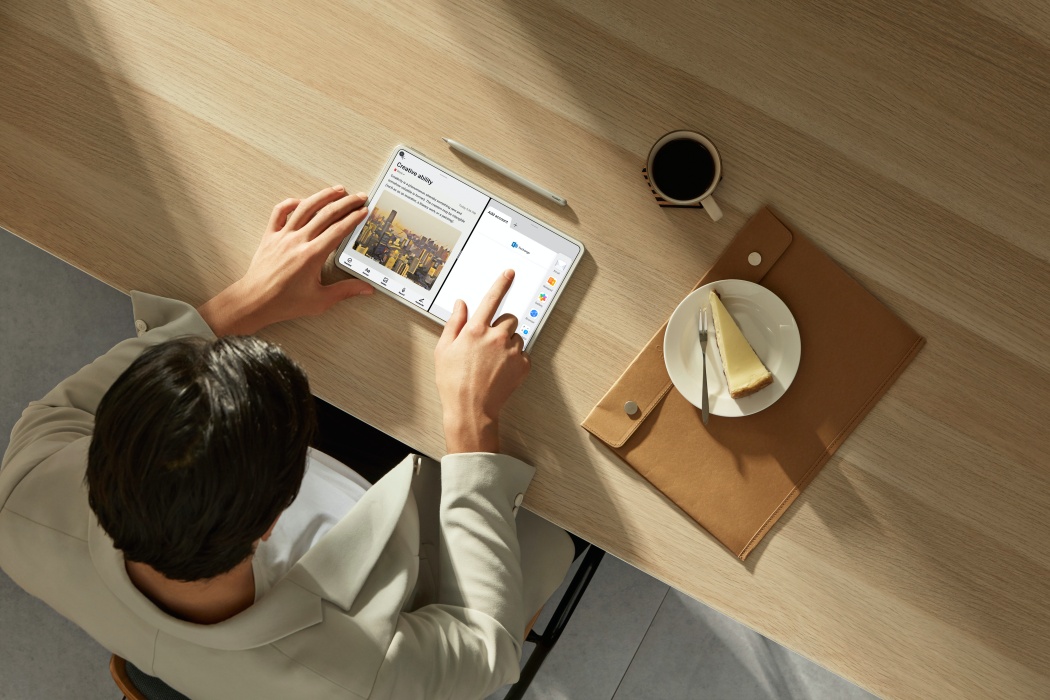
One of the best things that we love about the HUAWEI MatePad Pro is its ability to turn from tablet into a PC by simply connecting it to a smart magnetic keyboard. Coupled with HUAWEI M-Pencil, files editing is a breeze on the wide 10.9-inch display. With features such as Multi-Window and App-Multiplier, you’ll be able to multitask effortlessly while working on a document on one side and a reference window on the other.
However, with the US trade ban restricting its access to Google Mobile Services, we found that we were not able to access our Google drives, emails and anything pretty much Google related. You should also know that HUAWEI has their own App Gallery – there are lots of reviews on the web that talk about its strength and shortcomings but the main takeaway is that it doesn’t host quite a number of the most popular apps you’ll find on the Play Store or Apple’s App Store.
HUAWEI MatePad Pro for Kids
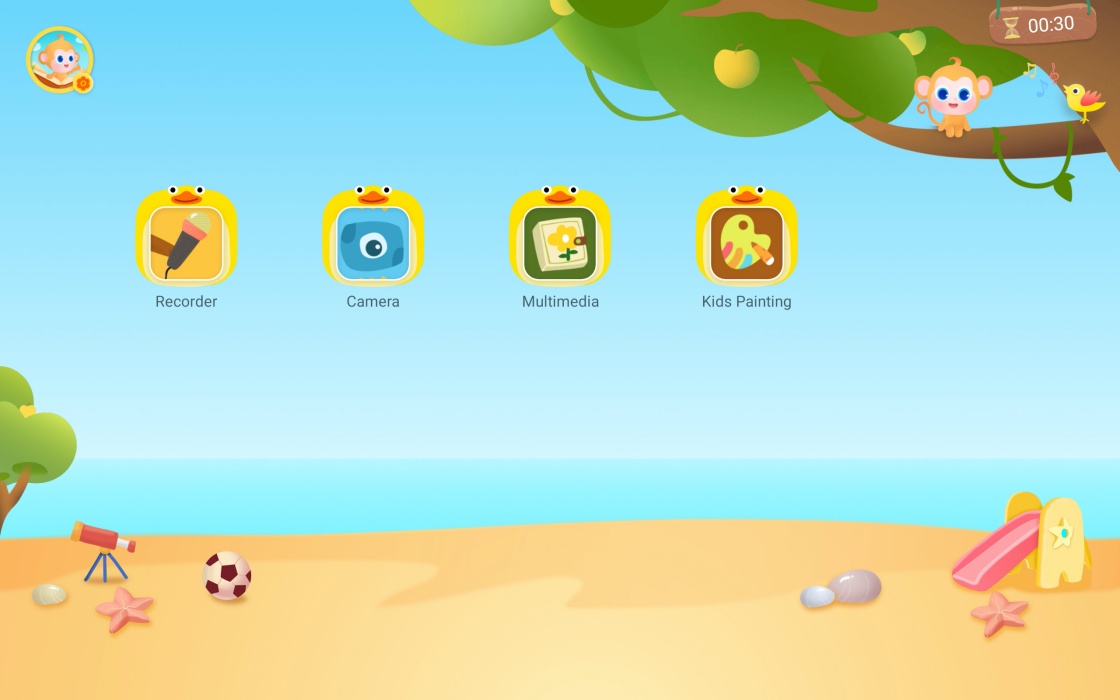
As working mums, we all know how our tablet can sometimes be a tool for our kids as well. It’s unavoidable at times since our kids are brought up in a world surrounded by technology. But what we can do is try limit and minimise exposures that we do not want. The HUAWEI MatePad Pro comes with a pre-installed app that help parents do just that. You can set time limits, access restrictions, install permissions, and more. Other features for the Kids Corner include:
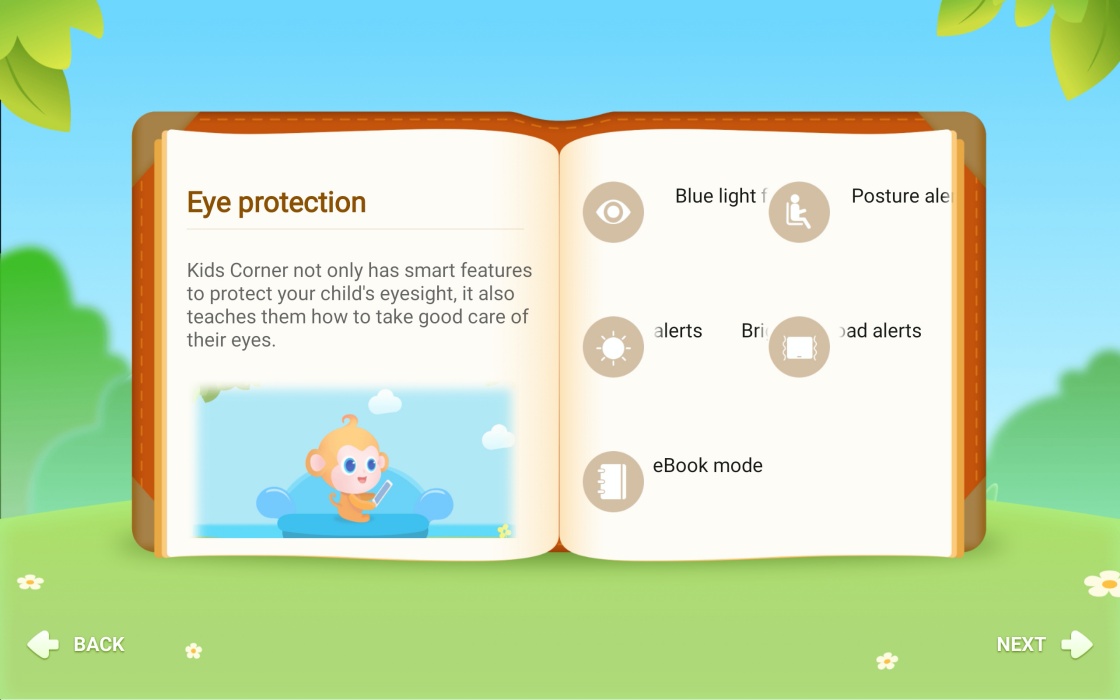
- App management: You can choose which apps your kids can access when using your HUAWEI MatePad Pro and they won’t be able to access the rest.
- File access restrictions: You can also choose which photos and videos your child can see on your Tablet.
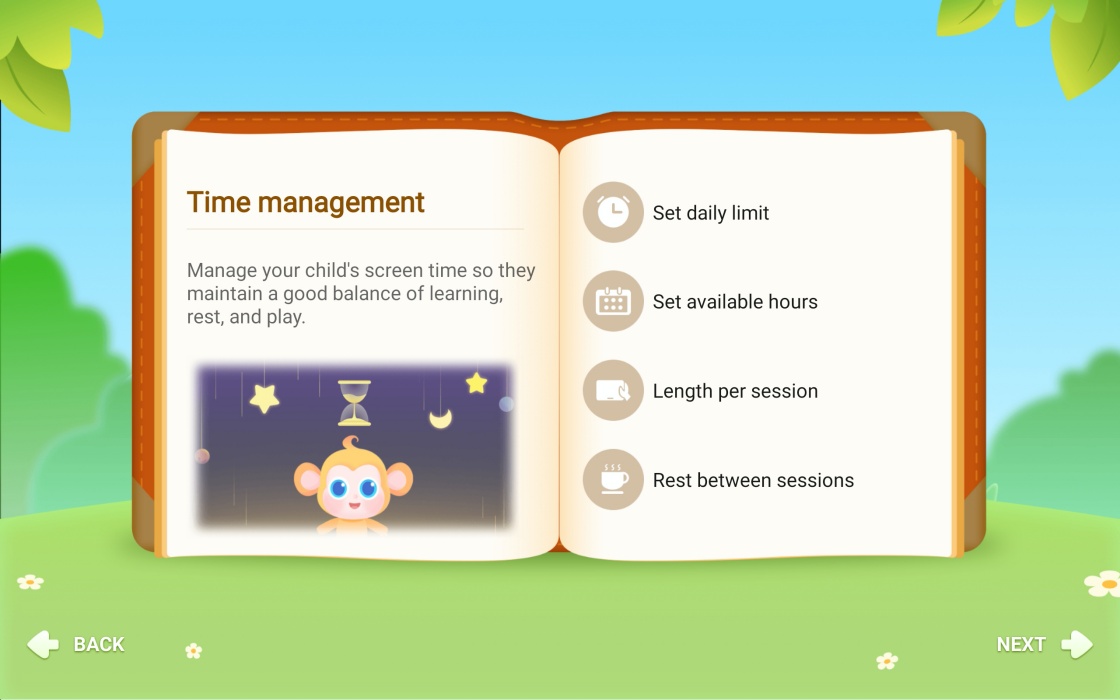
- Time limits: Manage every aspect of your child’s usage by setting daily access frequencies, usage durations, and break times.
- Restrict outside data access: Prevent unwanted fees or charges by blocking third-party app activities (e.g. sending unwanted text messages).
- Filter blue light: When using Kids Corner, your child’s vision is protected since the app filters out blue light and hence reducing their eye strain.
Amazingly, the Kids Corner can also detect the brightness of your room, warning your child if ‘it’s too dark’ or ‘too bright’ and telling them to move to a place that is more suitable to use the tablet.
HUAWEI MatePad Pro for Leisure
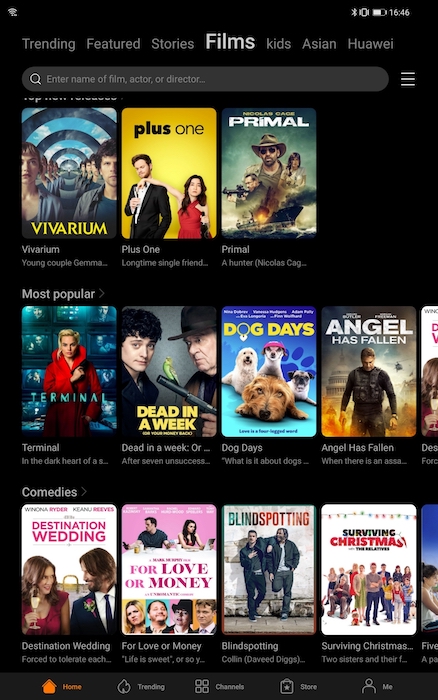
After a productive and tiring day, the kids are finally in bed and you have some time to yourself. Well, Huawei Video offers a wide range of international entertainment content for all, such as TVB, Mango TV, Kini TV, Daily Motion, Stingray, dimsum, BBC News and more. You are able to watch over 1,000 videos from the app simultaneously on up to two (2) active devices, and even rent movies for up to 48 hours. They also have a kids section where your kids are able to watch some of their favourite shows and characters right in the app itself.
Besides that, online video platforms such as Netflix and Viu can also be downloaded from the HUAWEI AppGallery as well.
Overall, the HUAWEI MatePad Pro is a powerful and beautiful tool for working mums. If the US ban is ever reversed, the MatePad Pro will be a top choice for sure. Nevertheless, it’s definitely possible to still enjoy the table without Google services, but you’ll need to be prepared to give up some time and potential functionality to get to that point.