





9 Feb, marks the Safer Internet Day!
Ranging from suicide videos to pornographic content, Tik Tok, Snapchat, Instagram, Youtube, Facebook & Co. are full of distressing content for children which can have serious consequences for their mental health.
Most social media platforms also have direct message or commenting features, so there’s always the possibility that your child could be chatting with anyone, including strangers.
While there are dangers, there are many ways to reduce the risks and safely use those apps.
Check out some practical tips on how you can protect your children below:
1. Change their account to private

Although accounts are public by default, you can switch to a private account. Make sure that personal information is ‘hidden’ from view and that the privacy settings are enabled in the accounts of your children so that only friends can see their posts, photos, and details such as birthday or school.
2. Think before you post
Because of how ‘sharable’ the internet is, ask your child to think before they post: ‘would I mind if this was screenshotted and spread?’. Some children overshare information which may put them at risk. Remind children that once they have posted something online, the image/message/video can be copied, shared and saved all over the internet without their permission – even if they delete the original image.
3. Explain about the report and block function

When you block someone on Tik Tok, Instagram, Facebook and Co. they won’t be able to view your posts or search for your account. You can also remove your followers (by blocking them) if you no longer want them to see your posts. Like Facebook, there is a tendency on Instagram for hackers to create false accounts. They use other peoples information to pretend to be someone they aren’t. You can report someone who is impersonating you or someone you know on Instagram via Instagram’s help center.
4. Review the settings
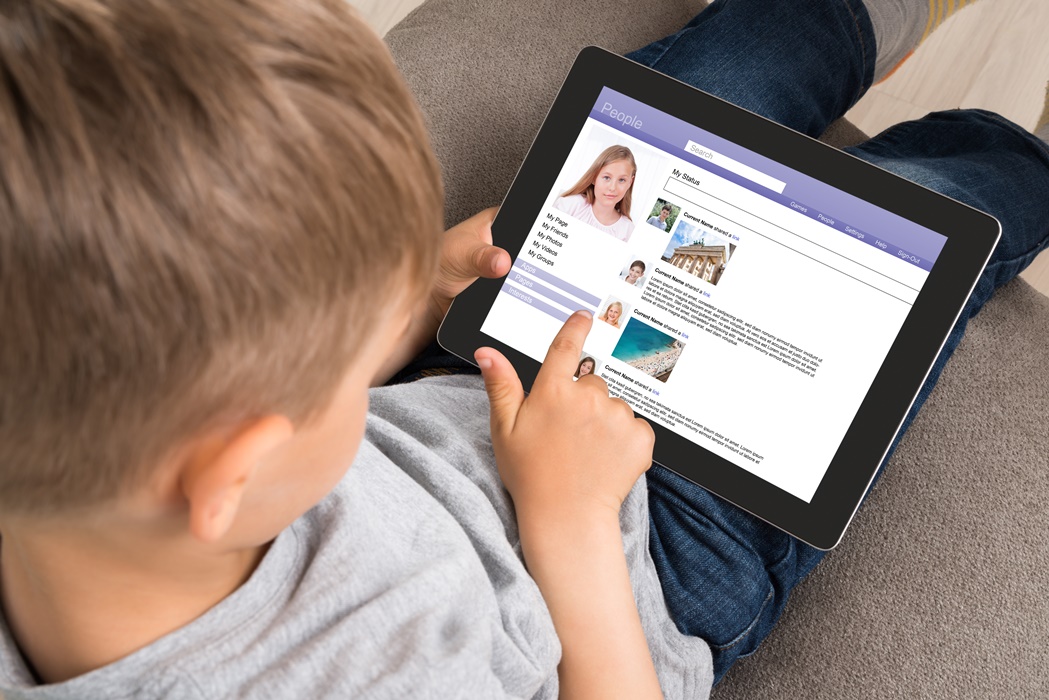
Some social media networks, such as TikTok allow parents to disable some features like direct messaging, filter out adult content or limit the screen time for their children´s devices. Make sure to check each settings to ensure a safer use for your child.
5. Open ear for issues

It’s important to discuss it with children and make sure that they know that they can raise any concerns and talk about anything that might happen on social networks with their parents, without fearing negative consequences. Cyberbullying can have severe consequences and needs to be addressed as early before it escalates.
You can also check out this e-book for children to learn about internet security (created by the Acronis Cyber Foundation).