





As we continue to obey the Movement Control Order (MCO), all working parents especially the one working from home, our works depending totally on WiFi, right? But, when it slows down our working pace, it’s not only upsetting but truly stressful. However, have you wondered, what causes it to slow?
Well, to find out what has led to slower internet speeds across Malaysia, revealed some truths in bandwidth demand during this Movement Control Order (MCO). Here you go:
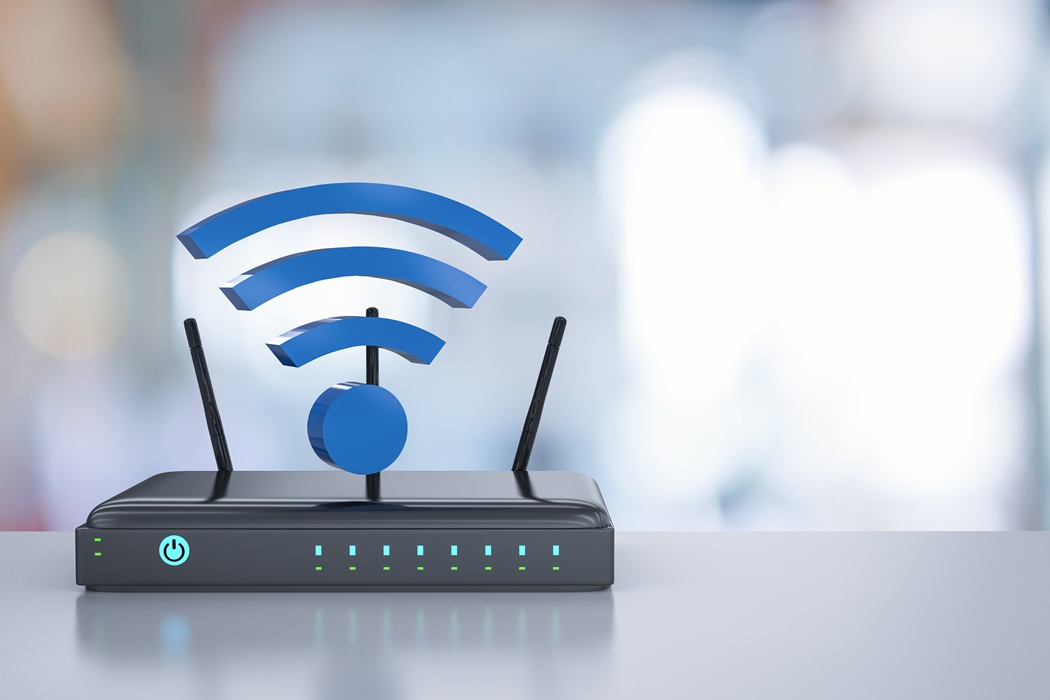
1. Switching Off or Restarting Your Router
Leaving your routers running 24/7 – Just like any other electronic device, your WiFi router needs a break too. The connection can get disrupted after long hours of usage or during peak hours where traffic on the networks is at its heaviest.
Restarting your router or shutting it off at night can help refresh your WiFi connection and give you better work productivity.
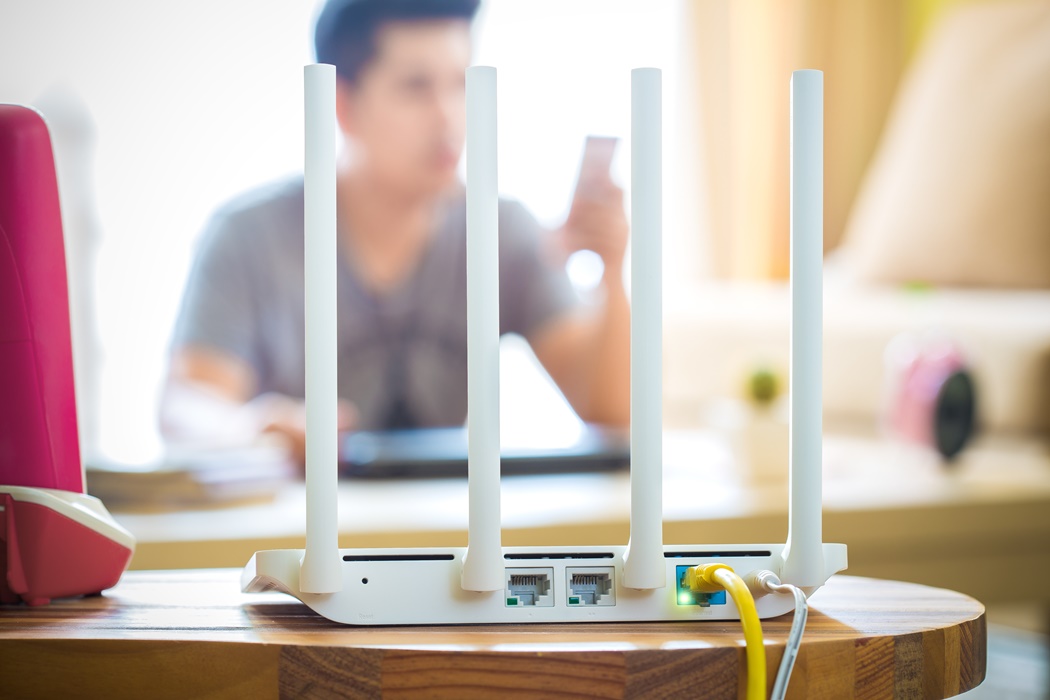
2. Your Router Must Be Placed at a Central Location
You can have the fastest, most seamless WiFi connection in the world but it won’t matter if the router is not placed in a strategic location in your house. Thus, the best spot to place your router is usually at a central part of your home. Also try and place your router on high places simply because of routers channel internet signals downwards. By doing so can give you the 5GHz band you’ve always dreamed of for faster WiFi connection.

3. Don’t Allow Ads to Pop-Up Left, Right, and Centre
If you’re one of those who are unfazed by the ads that pop-up on your browser ever so often, what can you do?! Not only do these ads increase congestion on the internet, but some of these malicious ads can contain phishing scams, malware, and viruses! You may want to download an ad blocker for your computer’s web browser! Blocking ads on all your devices can reduce congestion and lead to quicker load times for web browsing or even loading Insta Stories!

4. Don’t Auto-Sync All Your Apps
This is especially for those of you who have cloud-based apps that you rarely use or 19,287,981 different apps synced to your Google account. While the auto-sync function can be useful for apps we use often (especially if we’re constantly interchanging between our computers and handheld devices), they can also cause a lot of background data usage. You can check through all your cloud-based apps such as Dropbox, Google Drive, Slack, Todoist, etc and disable the auto-sync function for any of the apps you barely use. Manually syncing your apps will help stop background data usage.
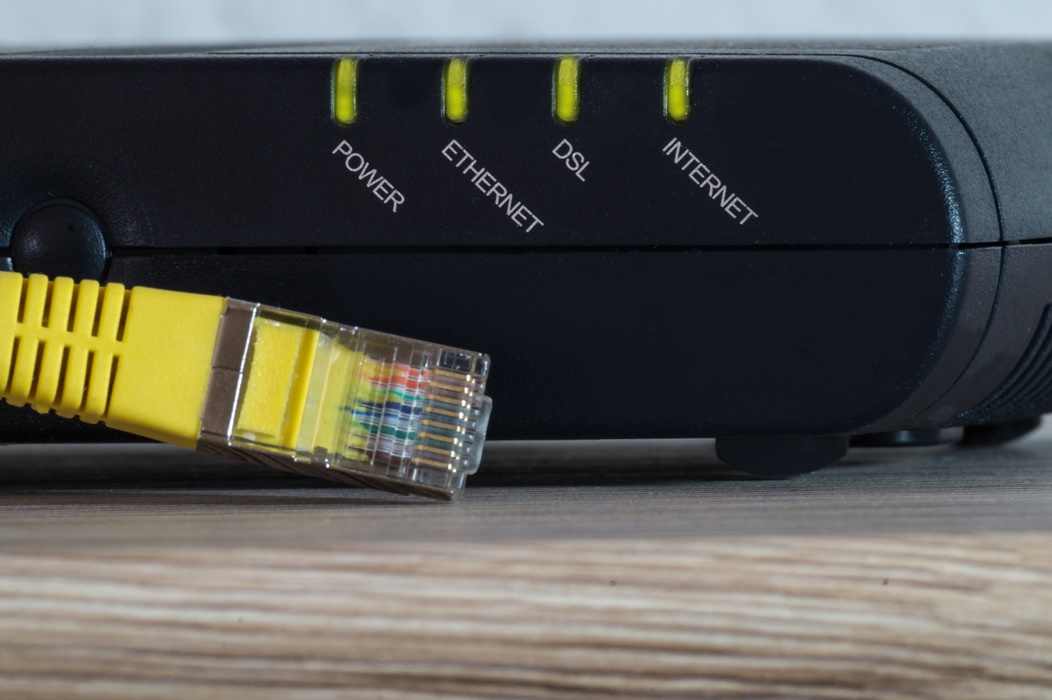
5. Last Option – Plug in the Ethernet Cable for Faster & Reliable Connections
For those of you who’ve had to endure video calls on Zoom or download massive files from clients, you’d know that it definitely takes a toll on your internet connection. It doesn’t help that the rest of Malaysia is also fighting for reliable internet connections. If your connection starts pissing you off and it’s crunch time at work, try using an ethernet cable to connect to the internet. A cable gives you a wired connection that is faster, stable and more consistent and you’ll also get double or triple the speed compared to a wireless internet connection.